

1. Basic Concepts & Command Syntax
Q: What is the basic syntax of the summon command?
A: The core structure of the summon command is `/summon <entity> [pos nbt].
Where <entity> requires a valid entity ID, such as minecraft:creeper (Creeper) or minecraft:ender_dragon (Ender Dragon).
[pos] is an optional parameter, defaulting to the executor’s current location. [nbt] is used to customize entity properties, such as health, name, or special behaviors.
Q: How to determine the accurate name for an entity type?
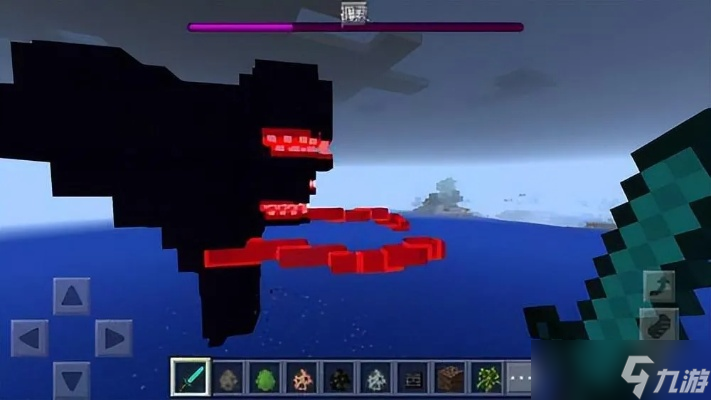
A: In-game entity names must follow a specific namespace. Common mobs like Creepers correspond to creeper, and the Ender Dragon corresponds to ender_dragon. Some special entities (like lightning) have the ID lightning_bolt, while boss mobs (like the Wither) require wither.
2. Command Usage Steps & Permission Requirements
Q: How to input the summon command in-game?
A: Follow these steps:
- Enable Cheats (single-player) or obtain admin permissions (server).
- Press the
Tkey (Java Edition) or/key (Bedrock Edition) to open the chat bar. - Enter the full command (e.g., /summonminecraft:creeper~~~ beside you).
- Press Enter to execute. Upon success, the system will prompt “Summoned new entity”.
Q: Why does my command say “Unable to resolve entity name”?
A: Possible reasons include:
- Misspelled entity ID, e.g.,
zombiewritten aszomby. - Missing namespace prefix (some versions require the
minecraft:prefix). - Executing the command in an area where summoning entities is prohibited (e.g., an adventure mode protected zone).
3. Coordinates & NBT Data Explained
Q: How to precisely position the summoned entity?
A: Coordinates consist of three numbers representing the X (east-west), Y (vertical), and Z (north-south) axes. Use absolute coordinates (e.g., 10064200) or relative coordinates (e.g., ~~2~ means two blocks above the current position). For example, to summon a Charged Creeper at position (100,64,200), the command is: /summoncreeper10064200{powered:1}.
Q: What are some practical functions of NBT data?
A: NBT tags allow for high-level customization:
- Set a name:
/summonzombie~~~{CustomName:'""Zombie"}'. - Control health:
/summonskeleton~~~{Health:50}. - Configure special states: Summon a tamed horse with a saddle:
/summonhorse~~~{Tame:1,SaddleItem:{id:"saddle"}}.
4. Advanced Applications & Special Techniques
Q: How to summon entities with special events?
A: Add event parameters after the entity type to trigger specific behaviors. For example:
- The
minecraft:entity_bornevent summons newborn baby animals (e.g., calves, baby pandas). - Summon a Creeper in the process of exploding:
/summoncreeper~~~minecraft:start_exploding. - Generate a Creeper struck by lightning (Charged Creeper): Use the
minecraft:become_chargedevent.
Q: How to summon entities in bulk or achieve automatic summoning?
A: Two efficient methods:
- Looping Command Block: Place a command block and input the command (e.g.,
/summonbat~~~). Set it to “Repeat” and “Always Active” to continuously generate bats. - Combining with the /execute command: For example, /execute@e[type=snowball]~~~summonlightning_bolt~~~will cause lightning to strike wherever snowballs pass.
5. Troubleshooting & Resource References
Q: What are common errors when summoning fails?
A: Besides the aforementioned permission and spelling issues, also note:
- Coordinates outside the valid range (e.g., Y-axis exceeding 255).
- NBT syntax errors (e.g., missing brackets or quotation marks).
- Entity ID incompatibility with the current game version (e.g., after version 1.16, use
hoglininstead ofzombie_pigman).
Q: Where can I find a complete list of entity IDs?
A: Recommended resources:
- Use the
/helpsummoncommand in-game for official hints. - Visit Wiki communities for cross-version entity lists (including deprecated ID reference tables).
- Third-party tools (like MinecraftTools) provide NBT generators for visually configuring entity properties.
Conclusion: Mastering the /summon command not only allows precise control over mob generation but also enables the creation of custom game content through events and NBT data. It is a key skill for enhancing your Minecraft experience.


